Press Release Video: What to Include and How to Make One


November 12, 2026


A press release video is a short, news-first video that travels with your written release, so a journalist, investor or partner can see and hear the announcement from the people behind it. It works when it adds something the text cannot: a named leader on camera, real footage of the company, and clean sound and light. Because the quality of the footage decides whether it gets used, the strongest approach is to have a production team come to your office, shoot the announcement and the supporting B-roll in one session, and hand back edited files ready for every channel.
This guide covers what a press release video is, what belongs in it, how long it should run, and how to plan the formats companies ask about most: funding, partnership, acquisition and sponsor recap videos.
A press release video is the visual layer of an announcement. The written release carries the facts, quotes and boilerplate. The video carries the faces, the voices and the setting. Some PR teams now send three items with every major release: the text, an audio file and a video release, according to a US public relations course text.
You will also see the older term video news release, or VNR. The Public Relations Society of America’s Professional Standards Advisory PS-13 (October 2009) describes a VNR as a news release converted into video format, often distributed digitally. The same advisory urges full disclosure of who produced and paid for it, with contact information in the digital material and the script.
The practical differences:
| Format | What it is | Best for |
|---|---|---|
| Written press release | Text with headline, quotes, facts and boilerplate | Wire distribution, search, the official record |
| Press release video | Short video from the release, with named speakers and B-roll | Embedding in the release, your mediaroom, social posts and pitches |
| Video news release (VNR) | Broadcast-style package of interviews and footage for newsrooms to reuse | Television and digital newsrooms that want ready-to-use footage |
The label matters less than the job. Whatever you call it, the video should make the news easier to cover.
PRSA’s guidance on media outreach is blunt: video should not regurgitate a press release but must enhance the written component, and a talking head alone has very limited appeal to reporters. That is the single most useful rule for planning one.
In practice, ask what the text cannot show:
PR Newswire’s guidance adds a second rule: the visuals should closely align with the accompanying text, with consistent terms, structure and tone, and the goal is to convey one idea clearly. If your release announces a partnership, the video announces the partnership. It does not also pitch the product roadmap.
PR Newswire describes a video-centered release as having a strong headline, a news summary, a hero video with direct-to-camera speakers and B-roll, a supporting quote, key facts in bullets, a call to action and supporting media assets. Translate that into the video itself and you get this running order:
Journalists are more likely to watch a short video, and PR Newswire’s guide puts the sweet spot at 30 to 90 seconds. If a longer version exists, include a short highlights cut in the pitch and link to the full one. Our note on how long a corporate video should run goes deeper on matching length to channel.
Editors rarely use the interview alone. Business Wire advises providing B-roll for editors, writing reader-focused captions, keeping soundbites short and avoiding stock footage. PR Newswire adds subtitles and transcripts for accessibility and hosting on YouTube or Vimeo so the video can be shared and embedded.
The same habits help discovery. A transcript, a clear title and a good description give search engines text to read, and a guide on how to optimize videos for SEO shows how to make a video easy for people and crawlers to find and use.
If the video is meant for broadcast reuse, say who made it. PRSA’s advisory recommends avoiding the word “reporting” in VNRs and encouraging outlets to clearly identify the source and label any footage taken from the material. Where a broadcaster airs sponsored material, federal rules require an on-air announcement; the FCC’s sponsorship identification guide sets out the details. If your video will be pushed to television newsrooms, confirm the current requirements with your communications counsel.
Lock the release first. The video repeats its headline and key facts, and a mismatch between the two is the fastest way to lose a journalist’s trust. Decide the one idea the video carries.
Where it goes wrong: teams shoot first and write later, then discover the CEO said “launch” while the release says “availability.” Studio2U begins every project with a strategic discovery call, so the objective and the message are settled before anyone picks up a camera.
Pick the person who owns the news, not the most senior person available. For a funding round, that is usually the founder. For a partnership, one leader from each side. Prepare one or two questions per speaker and let them rehearse the answers. If your executives are new to the camera, our guides on on-camera coaching for executives and executive video coaching cover what to practice.
List the interview, the environment shots, the product or team at work, and the close-up details editors like. Light the interviews well and use proper microphones: Business Wire notes that poor lighting or sound can discourage journalists from using the video.
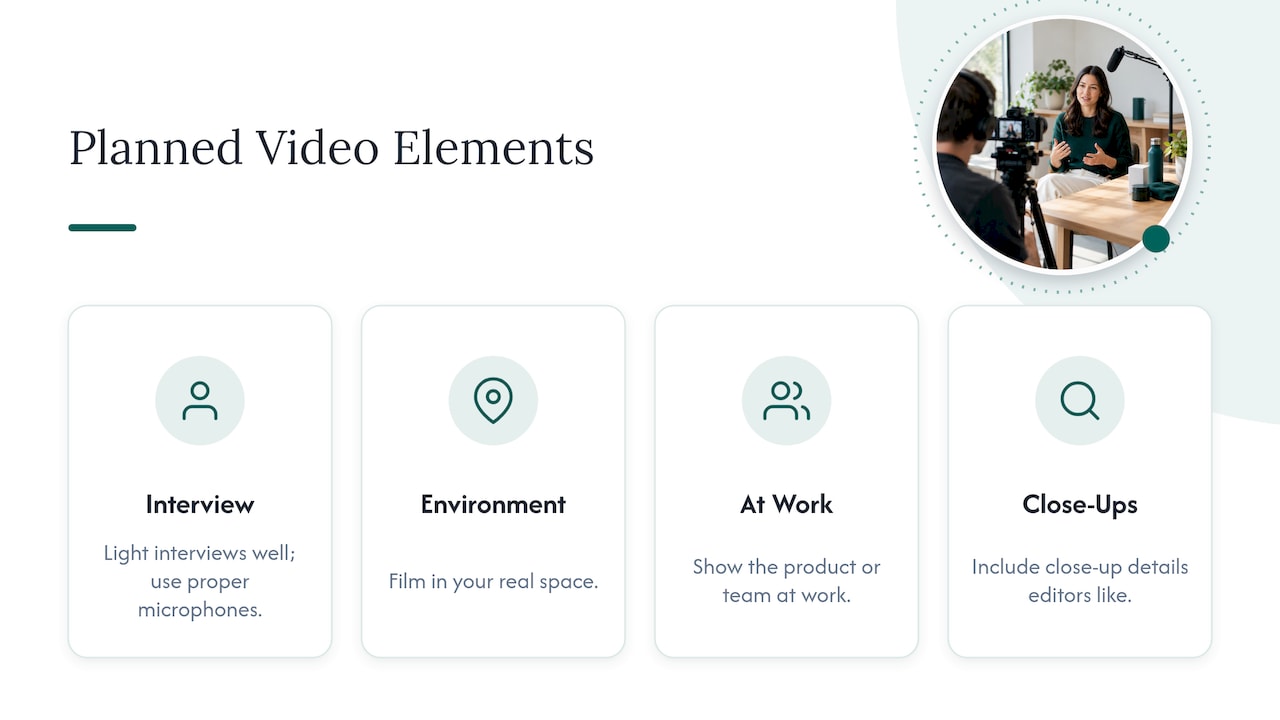
This is where an on-site crew earns its place. Studio2U brings portable studios and production teams to your office, event or portfolio company, which keeps disruption low and lets the announcement and the B-roll come from one visit, in your real space with your real people.
Do a dry run. Record in landscape with a tripod, then capture a few clean takes of each soundbite. Pick up extra footage of the office, the team and the product while the crew is there. Planning vertical cuts at this point, rather than cropping later, also pays off; see our guide to video aspect ratios for social.
Cut a main version of 30 to 90 seconds with the news first. Then cut shorter versions for social channels. PRSA points out that a video that works with reporters is not necessarily ideal for social media, where a shorter or more focused video may be needed. Add captions and a transcript.
Host the video on YouTube or Vimeo, embed it in the release and your mediaroom, and put a link to B-roll and raw clips in the pitch. Send reporters the short cut first. Pair the video with sharp stills: our press release photo specs list what editors expect.
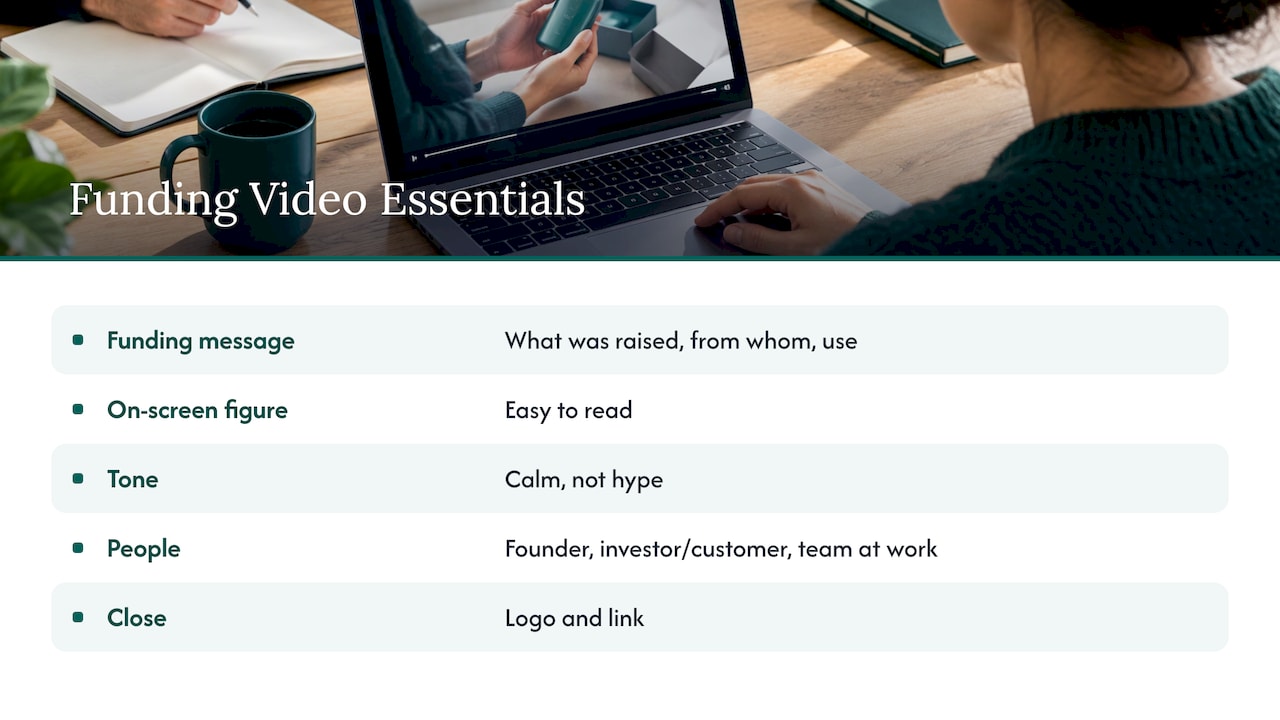
A funding video tells three things: what was raised and from whom, what the company does, and what the money is for. Keep it short enough to share anywhere. A calm tone beats hype, and the figure should be easy to read on screen. Close on the logo and a link.
For a startup that has just closed a round, the strongest versions put the founder on camera with a lead investor or a customer, and add footage of the team at work. That gives the written release something it cannot carry: the people the money is backing. Our piece on a founder story video shows how to build the longer version that sits behind the announcement, and the product launch videos for startups guide covers what follows the raise.
A partnership video fails when only one side is visible. Plan for both organizations to appear equally.
A short on-camera conversation between the two leaders gives partners, customers and analysts something specific to react to. One recording session can then yield a full announcement, a short customer-facing clip and a social cut. Shoot partner portraits at the same time so the visual identity matches; see our note on partner announcement photos.
An acquisition video has two audiences with different worries: customers and the market on one side, employees of both companies on the other. Split them into two cuts.
For private equity firms that have just closed a deal, the visual side matters as much as the message. Shooting both teams on the same day, against the same backdrop and in the same style, makes the two companies look like one from the first post. Studio2U brings portable studios to multiple office locations, which suits this kind of aligned shoot across a combined organization.
A sponsor recap video answers one question for a sponsor: what did we get for our money? Recap guidance from event marketers recommends showing how the sponsor’s brand appeared throughout the event, with photos of signage, booths and presentations, alongside attendance and engagement highlights.
A good recap video does the following:
This is footage you can only capture while the event is happening. Studio2U covers events and conferences with live photo viewing, retouching and a five-day turnaround, so recap material is ready while the event is still fresh in the sponsor’s mind.
Studio2U publishes fixed per-shoot prices on its site. For corporate teams and startups:
| Package | Price | Page |
|---|---|---|
| START UP | $2,500 per shoot | Headshots |
| STANDARD | from $2,000 per shoot | Branding |
| ENTERPRISE | from $3,500 per shoot | Branding |
| BRANDING ADD-ON | $1,000 per shoot | Branding |
For events and conferences:
| Package | Price | Page |
|---|---|---|
| NETWORKING | $2,500 per shoot | Conferences |
| SUMMIT | $4,500 per shoot | Conferences |
| CONFERENCE | $8,000 per shoot | Conferences |
Prices were read from the site in 2026; the pages show current details.
If your announcement is about to go out, the practical question is who captures the footage. Studio2U is a nationwide corporate photo and video branding agency that brings a portable studio and production team to your office or event, with fast editing turnaround, and it starts every project with a strategic discovery call. Startups that have just raised, private equity firms integrating an acquisition, and event organizers needing sponsor content can book a shoot through the branding page, the startup page or the conferences page.
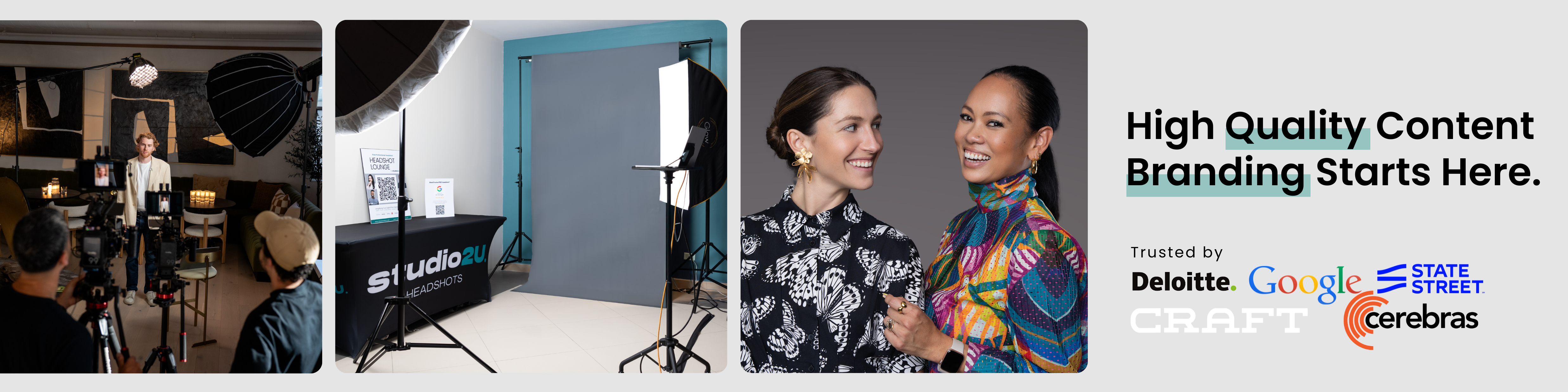
The same session can also produce team headshots and PR partner photos, so the stills in your release match the video.
Most announcement videos fail for one reason: they are made after the news instead of with it. A company spends months on a round, a partnership or a deal, then tries to patch together a video from a phone clip and a logo.
We start from the opposite end. The discovery call comes first: who needs to believe this news, and what do they need to see to believe it? Then we build the shoot around real people in their real space, with portable studios that keep the day short and the disruption low.
The footage should keep working after the release is out. A founder’s announcement becomes a recruiting asset. A partner conversation becomes a sales clip. A sponsor recap becomes next year’s renewal pitch. That is why we treat each shoot as part of an ongoing visual brand, not a one-off file delivery.
If you are announcing something this quarter, plan the video the day you plan the release.
Kevin
Keep the main cut between roughly 30 and 90 seconds, with the news in the first few seconds. If you have a longer interview, send a short highlights version in the pitch and link to the full one.
They overlap. A VNR is a news release converted to video, usually packaged with interviews and B-roll for newsrooms to reuse. A press release video is often lighter and built to sit inside the release, your mediaroom and social channels. Either way, identify who produced it.
Film B-roll of the product, the office or the event, plus a few clean soundbites. Editors use B-roll under their own narration, so having it ready makes your story easier to run. Add captions and a transcript for accessibility.
Yes, when it is planned that way. A single on-site session can capture the announcement interviews, the B-roll and still photos, and the edit then produces a main cut, shorter social versions and a customer-facing clip. Tell your production team every use up front so the right footage is captured.
