Photo Day Checklist: Prep Your Team and Office
%20(1)%201.png)
.png)
.png)
October 10, 2026
%20(1).jpg)

Run the day on strict individual time slots, a live check-in list, and one on-site coordinator: that combination prevents bottlenecks and protects business continuity. Build in predictable waves so people can plan deep-focus work around their slot, not around a vague window. Embed a unique employee ID or QR code with every file so nothing gets mismatched during delivery.
TL;DR:
- For scheduling, divide headcount by stations, multiply by average minutes per person, then add a 15% to 25% recovery buffer for changeovers.
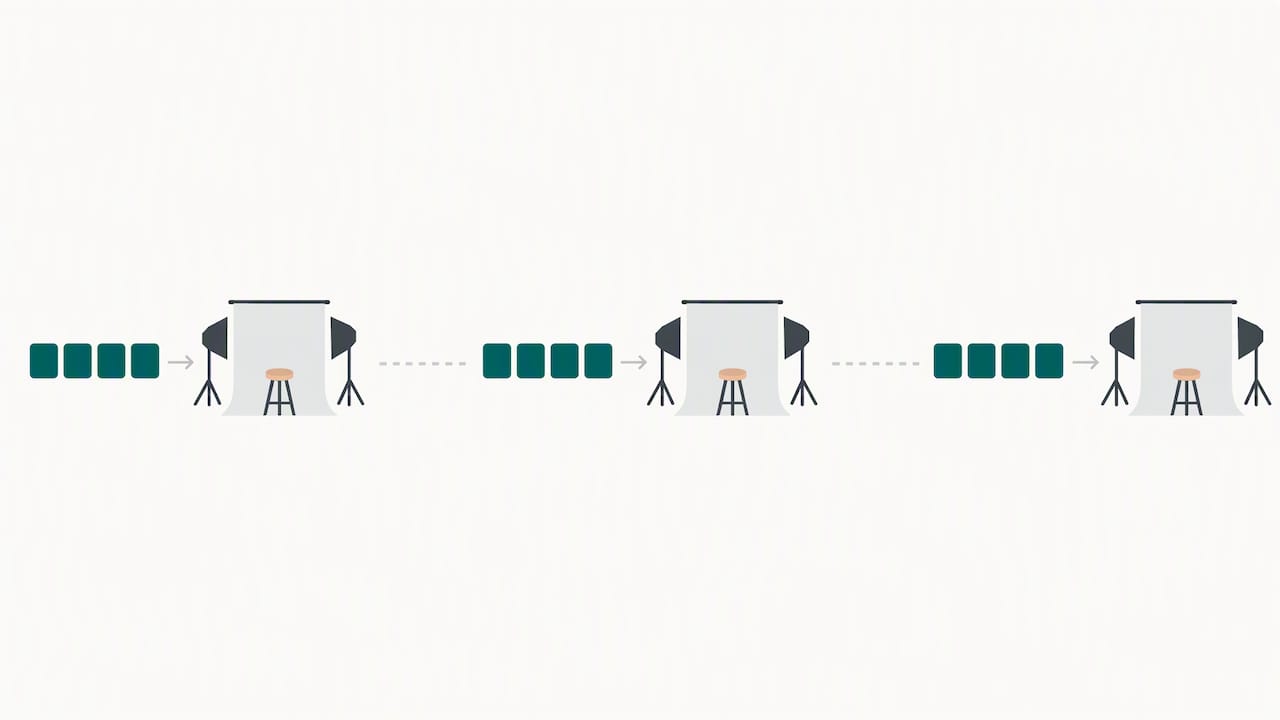
- For 50 to 100, add a station or extend the day; use matching parallel setups for 100 to 200, and split larger groups across two days.
- Send calendar invitations when slots are assigned, then provide logistics, a reminder 24 hours beforehand, and a same day message one or two hours before appointments.
- Choose whether employees, HR, or one central approver selects images, and set retouch limits before the shoot to prevent weeks of later back and forth.
Assigned five to ten minute slots beat wide “stop by anytime” windows because open windows create arrival surges: everyone shows up at the start, the end, or right after lunch, and the queue backs up fast. Wide windows also create the kind of unpredictable intrusion that research on workplace interruptions links to higher stress and more waiting for employees. A fixed slot tells someone exactly when to step away and exactly when they’re back at their desk.
To size the day, use a simple formula: divide the number of people by the number of stations, multiply by the average minutes per person, then add a 15 to 25 percent recovery buffer. That buffer matters more than it looks: field research on hospitalist workflows found that task switching and changeovers between interruptions can eat up a meaningful share of total processing time, and a photo session has the same changeover cost every time a subject sits down, adjusts, and resets.
As headcount grows, add capacity rather than stretching the clock:
A basic run-of-show covers a start time, a welcome and check-in period, station assignments, one or two scheduled breaks, and a handful of buffer slots spaced through the day rather than all at the end.
Pro Tip: Place buffer slots every 20 to 25 people instead of only at the end of the day, so a late arrival or a slow session doesn’t cascade through every appointment that follows.
Clear, early communication is what keeps people from showing up confused, late, or underprepared. Change-management research on workplace rollouts shows that advance notice, visual previews, and a central information source reduce surprise and improve compliance, which applies directly to getting a full office through a shoot on schedule.
A reliable messaging timeline looks like this:
Give managers a short playbook too: how to protect a team member’s focus block leading up to their slot and how to redirect urgent requests until after the appointment. A simple visual preview of the setup and a two or three line FAQ, linked from a headshot day email template, clears up most last-minute questions before they reach the coordinator.
Pro Tip: Post a single link, a shared page or a Slack channel, where employees can check live wait times instead of messaging the coordinator directly.
A shoot runs smoothly when four roles are clearly assigned and nobody is guessing who owns what:
A live status board, tracking each person as Scheduled, Checked in, Photographed, and Selection complete, keeps everyone oriented without constant verbal updates. The coordinator or admin updates it in real time, and anyone in the office can glance at it to see where the line stands.
Set up a prep station near the shoot, not at each person’s desk, for a quick mirror check or touch-up, so people aren’t disappearing from their workstations any longer than their actual slot requires. For executives and other hard-to-schedule participants, prebook their slots early in the day or during a known gap in their calendar, and set a policy for ad-hoc captures that draws from the recovery buffer instead of bumping someone else’s appointment.
Every image needs to be traceable back to the right person before it ever reaches a reviewer. A corporate headshot workflow guide for shoots of 50 to 200 people treats a clean participant list and a unique identifier system as the two things that prevent mismatched files after the fact.
Before calling the shoot complete, run a handoff checklist: verified name-to-file mapping, consistent file naming, a retouch log, and a record of who approved each final image. That same discipline is why a retouching policy and a documented selection process should exist before the first person sits down, not after delivery.
Decide your absentee and retake policy before the day starts, not when the first no-show happens. Common options are a short make-up session within a week, a standing quarterly retake day for new hires, or folding retakes into the next scheduled refresh, as outlined in guidance on annual photo refresh cadence. If someone requests a retake purely for preference rather than a technical issue, decide in advance whether that’s covered or billed separately.
Reserve a small emergency window, beyond the regular recovery buffer, to absorb a handful of late arrivals without pushing every slot behind it. On the technical side, keep spare batteries, a backup memory card, and an alternate power source on hand, with one crew member designated as the point of contact if equipment fails.
Pro Tip: Schedule retakes within the same lighting season or studio setup window whenever possible, since even small changes in ambient light can make a retake visibly different from the rest of the set.
Most of what organizers blame on “the shoot running long” is actually a scheduling design flaw. Wide appointment windows, missing buffers, and no single point of ownership turn a two-hour shoot into an all-day disruption, not the photography itself. Research on remote and hybrid work patterns makes the same point in a different context: when in-office time is already limited and valuable, any process that pulls people off task unpredictably carries a real cost, and that cost is what strict slots and a visible queue are built to avoid.
The other underestimated piece is approval ownership. Teams that skip deciding who approves final images, and how many retouches are included, end up with weeks of back-and-forth after the crew has already left. That follow-up drag is often longer and more disruptive than the shoot day itself.
— Kevin
We build every shoot around an operations-first approach designed to keep every image consistent from the first appointment to the last. Strategic discovery happens before our crew ever shows up, so decisions about flow, identification, and approval are made in advance instead of improvised on the day.

Our START UP service fits a single-office team shoot, while STANDARD and ENTERPRISE packages cover larger or multi-location rollouts, and our NETWORKING, SUMMIT, and CONFERENCE services are built for event-based photography. If you’re planning a shoot and want the scheduling and crew handled for you, start with a discovery call through our Studio2U team.
Most individual headshot slots run five to ten minutes, which includes posing, a few frames, and a quick check of the shot. Larger teams should add a recovery buffer on top of that total to absorb normal changeover time between sessions.
Decide this before the shoot: either the employee picks their own favorite, HR reviews on behalf of the company, or one centralized approver signs off on everyone. Documenting this in advance, along with how many retouches are included, prevents open-ended back-and-forth after delivery, as outlined in same-day selection guidance.
Most organizers handle absentees with a short make-up session, a scheduled retake window, or folding them into the next planned refresh. Whichever option you choose, keep the same lighting and backdrop setup so the retake matches the rest of the set.
A single station typically handles a team under 50 people in one day. Between 50 and 200, add parallel stations with identical lighting and backdrop setups, and beyond 200, splitting across two days usually keeps image quality more consistent than running more than two stations at once, per corporate headshot workflow guidance.
Send the calendar invite as soon as slots are assigned, followed by a confirmation email with logistics, a reminder 24 hours out, and a short reminder the same day. This staged approach, backed by change-management research on rollouts, reduces last-minute questions and no-shows.
