Research Backed, Marketing First Team Page Photos With Portable Studio
%20(1)%201.png)
.png)
.png)
September 27, 2026
%20(1).jpg)

For website team pages, hire a professional for a short on-site shoot that prioritizes authentic expressions and consistent framing. Natural, varied facial expressions read as more trustworthy and more leader-like than the stiff, static smiles most companies default to, according to a 2019 Cognition study. The next step is simple: book a discovery call or draft a shot list before you schedule anyone’s calendar time.
TL;DR:
- Authentic, natural facial expressions in team photos significantly boost perceived trustworthiness and leadership qualities, making the images more effective for branding.
- Proper planning, including defining the shot list, choosing a production model, and staggering sessions, helps prevent schedule chaos and disruption during the shoot.
- Consistent backgrounds and clothing guidelines, along with quick prompts for natural expressions, create a unified and professional team page appearance.
- Secure written consent for all team members before publishing photos and remove any unapproved images promptly to ensure privacy and compliance.
- Portable studios are ideal for multi-location teams needing consistent lighting and background, while web-optimized files in multiple formats streamline post-production and usage.
A “meet the team” page is often the most visited section of a company site after the homepage, and the photos on it do real work: they signal whether a company is credible enough to hire, invest in, or join. The Cognition (2019) study found that people shown a range of natural facial expressions rated those individuals higher on trustworthiness and leadership than people shown static, uniform expressions. That single finding undercuts the instinct to pose everyone the same way.
Beyond trust, team photos carry measurable weight in recruiting and public relations: candidates size up a company’s culture from these images before they ever apply, a critical aspect explored in detail by Cornerstone Search’s executive insights, and journalists or partners often lift them directly for coverage.
A 2019 Cognition study found high-variability facial expressions increased perceived trustworthiness and leadership compared with static displays, which is the strongest argument against a room full of identical forced smiles.
Start by defining exactly what the page needs. A five-person leadership team needs different coverage than a 60-person company with departmental groupings, and that decision shapes everything downstream.
Staggering sessions matters more than most marketing managers expect. A 40-person company that tries to photograph everyone in one unbroken block usually loses the afternoon to scheduling chaos; breaking it into short slots across a single day keeps operations running and keeps people from waiting around looking irritated in front of the camera.
Consistency is what makes a team page look like one company instead of forty individual LinkedIn profiles stitched together. The fastest way to lose it is letting every department pick its own background, lighting, and crop.
Overly static, forced smiles are the single most common complaint about corporate photography, and they’re also the easiest fix: a few seconds of casual conversation before each frame produces noticeably more natural results than commanding someone to smile on cue.
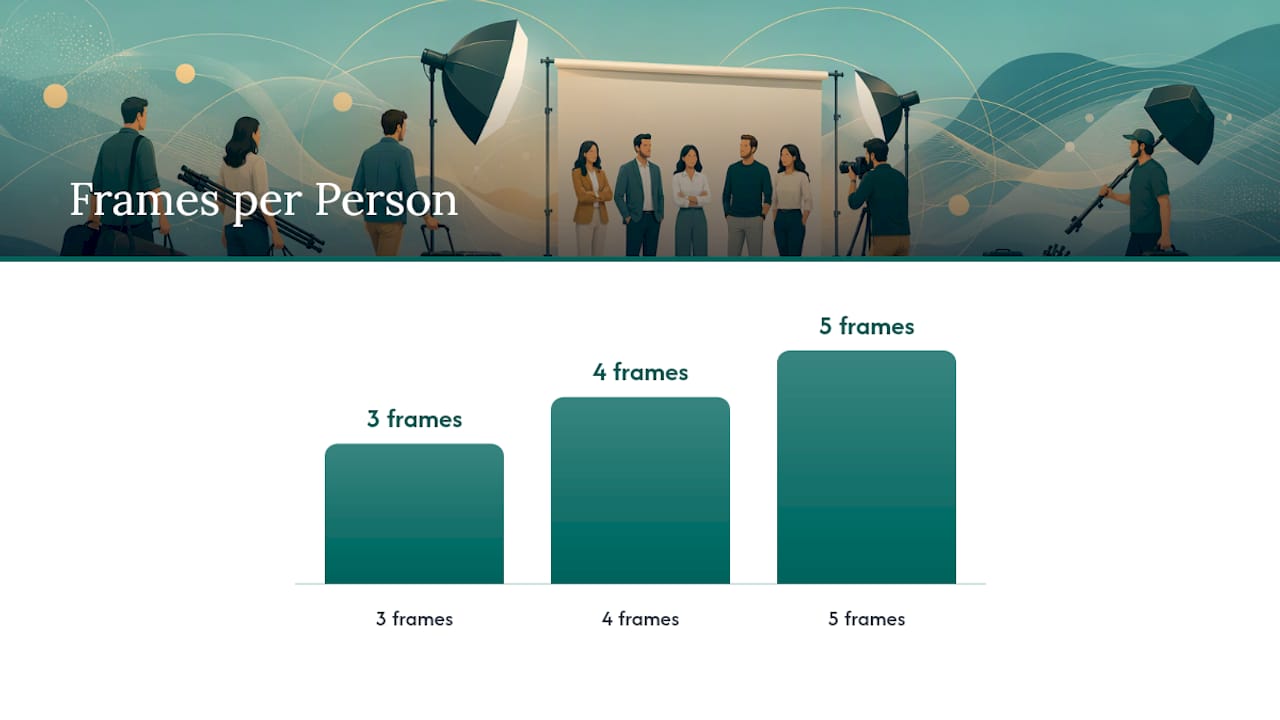
Pro Tip: Shoot three to five frames per person with a brief prompt between each one, then pick the frame with the most natural expression rather than defaulting to the first shot.
Before any photo goes live, get this right. A written release specifying web, social, and paid-advertising use protects the company and respects the employee, and it should make clear that participation is voluntary, since transparent communication about intended use tends to produce higher voluntary opt-in than a blanket policy. Many jurisdictions also have right-of-publicity style protections around using someone’s likeness commercially, so a written release covering the specific uses is the safer default.
Studio2U’s own employee headshot policy template covers this same consent and record-keeping language, which is worth adapting internally regardless of who shoots the photos.
Each production model trades off differently between authenticity, disruption, and control, and the right choice depends on team size and how many offices you’re coordinating.
For companies with multiple offices or fast-approaching launch dates, a portable studio setup is usually the practical choice: it delivers the same lighting, background, and retouching standard everywhere the team travels, which matters when a “meet the team” page mixes people from five different cities.
Pro Tip: If your team spans multiple offices, lock the exact lighting and background setup at the first location and replicate it exactly at every other stop rather than letting each office photographer improvise.
Retouching should stay light and natural. Studio2U’s own retouching policy covers this in more detail, but the general rule holds broadly: minor skin and lighting corrections are standard, while anything that changes someone’s actual appearance should require explicit sign-off in the release form.
For delivery, ask for formats built for the web rather than raw camera exports.
A disorganized delivery folder is one of the most common reasons a team photo project drags on for weeks after the actual shoot is done.
Most of what makes a shoot day run smoothly happens before anyone picks up a camera.
A sample 90-minute session for a 10 to 15 person team looks like this: the first 15 minutes cover arrival and setup, the next 45 minutes handle individual headshots, the following 25 minutes capture environmental and group shots, and the final 5 minutes are for wrap and file checks. On the day itself, lock camera settings and lighting presets before the first person arrives, and designate one point person to approve shots in real time so there’s no second round of scheduling later.
Most team photo projects fail not from bad cameras but from treating the shoot as an HR task instead of a marketing asset. A marketing-first approach, portable studios, fast turnaround, and directed but natural expressions, produces a team page that actually supports recruiting and sales conversations instead of just filling space. That’s the standard worth holding every shoot to, regardless of who’s behind the camera.
— Kevin
On-site shoots built around this approach typically include portable studios, minimal disruption, and a strategic discovery call before photography begins.

Most single-office teams fit the START UP package at $2,500 per shoot, while companies coordinating multiple offices or building out a full branding library typically move to the STANDARD or ENTERPRISE packages, starting from $2,000 and $3,500 respectively, with a branding add-on available at $1,000. Teams shooting at conferences or networking events can look at the NETWORKING, SUMMIT, and CONFERENCE packages, ranging from $2,500 to $8,000 depending on scale. A discovery call typically covers headcount, locations, timeline, and desired formats, and most projects move from booking to delivered files within one to two weeks.
Ready to scope your shoot? Get in touch with Studio2U to book a discovery call.
This article draws on the 2019 Cognition study on expression variability and trust, SHRM’s guidance on employee photo consent, and Stories Incorporated’s best practices for employer-brand photo libraries. Studio2U’s own corporate headshot guidelines offer additional practical detail on attire and framing.
Plan for one strong individual headshot per person, plus a handful of environmental or group shots for the page’s header and about section. A strategic photo library with mixed formats also gives you assets to reuse across recruiting pages and social media.
Yes, best practice is a written release specifying web, social, and advertising use before any photo is published. HR guidance recommends this because many places have laws restricting commercial use of someone’s likeness without consent.
Consistent backgrounds and framing matter more than identical poses. Natural, varied expressions actually increase perceived trust and leadership compared with everyone holding the same static smile.
A shoot for 10 to 15 people typically runs about 90 minutes once setup is complete, while larger teams are usually split across staggered sessions or a full shoot day. Editing and delivery generally take three to seven days after the shoot wraps.
Request web-optimized JPEG or AVIF files for standard use and PNG only when transparency is needed. Ask for multiple crops, square, portrait, and landscape, so your design team can place photos without cropping them again later.
