On-Camera Coaching for Executives: A Practical Guide
%20(1)%201.png)
.png)
.png)
October 30, 2026
%20(1).jpg)

The best corporate B-roll shows the exact thing the speaker is talking about: real people at real work, in your real space, filmed in wide, medium and close-up. Below you will find shot ideas grouped by the kind of video you are making, from culture reels to fundraising announcements, case studies, founder series and post-merger brand films, plus a simple method for planning the day so the footage actually cuts together.
A-roll is the main footage: the founder to camera, the customer interview, the executive answering a question. B-roll is everything you cut to while that audio keeps playing. It hides edits, adds proof, and gives the viewer something to look at besides a face for ninety seconds.
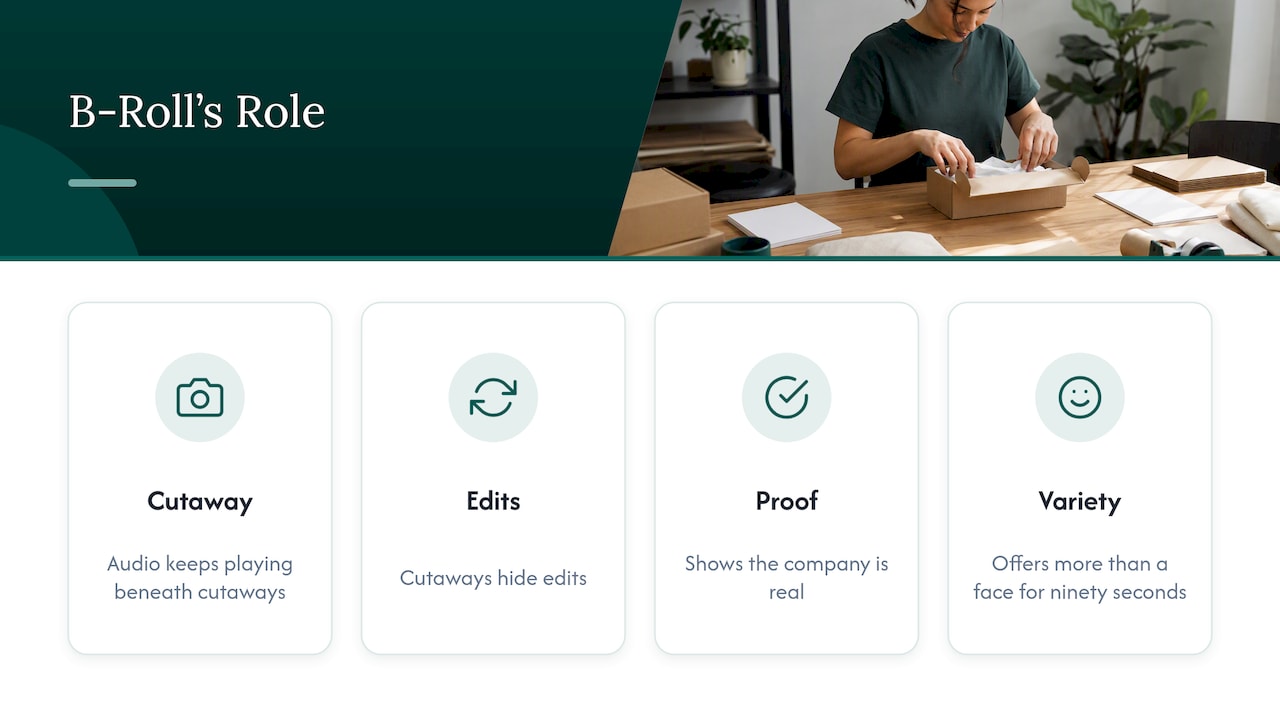
For a business, B-roll has a second job that is easy to miss. It is the part of the video that shows your company is real. Anyone can say “our team collaborates closely.” Footage of two engineers arguing happily over a whiteboard says it for them.
The rule that separates useful B-roll from filler is simple: match the picture to the claim. When someone says “we’ve grown to forty people,” show the room with forty people in it. When a customer says “it replaced three spreadsheets,” show the dashboard on their screen and the hands using it. If you cannot name the sentence a shot is illustrating, it probably should not be in the plan.
Pre-production is where most B-roll is won or lost. Public-sector video guidance makes the same point: organizing the shots, interviewees, events and activities you need ahead of time saves time during production and editing.
Here is the process we recommend for corporate teams.
If you want a ready-made list for photos that can double as video stills, our brand photography shot list is a good companion to the video ideas below.
For each subject, capture three shots:
Hold each shot for at least ten seconds, even though a final cut may use two. Editors need handles at the start and end of a shot, and a locked-off steady take is far more usable than a nervous five-second one.
Most B-roll in corporate videos features people, so basic composition matters. The same Smithsonian video handbook covers the fundamentals: the rule of thirds, proper headroom and nose room for the direction of a subject’s gaze. In practice:
For more on filming people in a way that feels natural, this piece on framing and composition for creator-style briefs shows how clear direction shapes better footage.
Culture footage supports recruiting, careers pages and “about us” videos. The goal is to show how people actually work together, not to stage a party.
Team portraits fit naturally inside this footage. If you are already filming at your office, consider pairing the video day with company-wide headshots, so the same visit produces both moving and still assets.
Executives are often most convincing when they are doing something other than speaking to camera.
For still frames in the same spirit, see our notes on environmental headshots in the office and executive headshot styles.
Software and services are hard to film because the product is invisible. The trick is to film the use of the product and the people behind it.
| What you are showing | Shots that work |
|---|---|
| Software product | Over-the-shoulder screen use, a detail of a cursor clicking a key feature, a user’s reaction, a phone on a desk showing the app |
| Hardware or devices | Slow close-up of the device, hands assembling or testing, the device in its real setting |
| Services and consulting | A workshop in progress, a printed deliverable being marked up, a call with a client |
| Operations and logistics | Packages moving, shift handovers, a monitoring screen with status lights, a warehouse aisle |
| Engineering and R&D | Code on a monitor (cleared of secrets), a prototype on a bench, a test running, a team reviewing results |
| Customer support | A headset in use, a ticket queue, a teammate helping another with a tricky case |
A few tips for screens: lower monitor brightness or shoot at a slight angle to avoid flicker and glare, and use real, anonymized data rather than a blank demo. Real-looking activity is more believable than a polished mockup.
For professional-services firms (law, finance, consulting, accounting), the typical shots are desk work, document review, client meetings and quiet focused work. A guide to visual storytelling for brand impact offers further examples of relevant B-roll shots for corporate videos at professional-services businesses.
A funding announcement is short, usually under ninety seconds, and it has to answer one question fast: why should anyone care that you raised money? Your B-roll should show momentum, the team and the problem you solve, not champagne.
Shots to capture:
How to structure it: open on a human moment, state the news over footage of the team, show the product doing the thing, then close on the founders and what the money will build. Cut a 15 to 30 second version for social and a longer one for your website and investor updates.
The same footage serves the press kit. Having a folder of approved B-roll ready when you announce means journalists and partners can use your visuals instead of hunting for their own.
A case study video is only as credible as the customer’s world on screen. The interview gives you the quote; the B-roll gives you the proof.
Schedule the customer shoot around their operations, not yours. Arrive early, film B-roll while they prep, and ask them to walk you through a normal day. For more on structuring these shoots, see our post on client story videos.
A VC firm’s founder series is a brand asset: it tells prospective founders who the firm backs and how it behaves. Because the same format repeats across episodes, consistent B-roll matters.
With a portable studio and a small crew, one visit to each portfolio company can yield the interview, B-roll and headshots in a single session. That keeps the series consistent across cities and keeps disruption low for the founder.
When two companies combine, employees, customers and partners want to see what the new organization looks like. B-roll is a gentle way to answer that without corporate jargon.
Private equity firms integrating a new portfolio company often need the same visual standard in several cities within weeks. Shooting every site with the same crew approach is the most reliable way to get it.
We film in offices, at conferences and inside portfolio companies across the country, and a few patterns repeat.
First, the best B-roll almost never comes from a separate “B-roll session.” It comes from filming real work while the interview setup is happening, when people forget the camera is there. We build time into every shoot for exactly that.
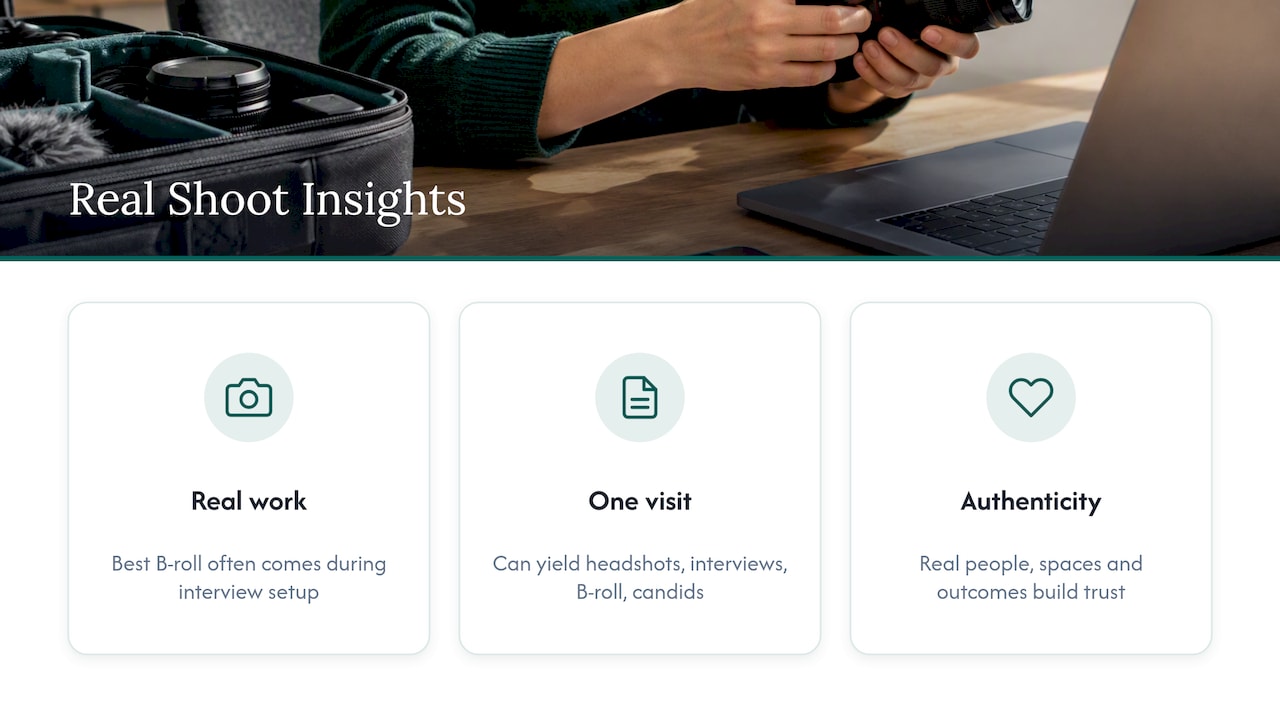
Second, companies underestimate how much a single shoot day can produce. The same visit can yield headshots, interview footage, B-roll and event-style candids, if the shot list is planned around the business goal first. That is why every project we do starts with a discovery call: we ask what the content needs to do, whether that is shorten a sales cycle, support a raise, attract hires or unify a merged brand, and then work backward to the shots.
Third, authenticity beats polish every time. Viewers can tell the difference between a team that is actually collaborating and one that is pretending to. Real people, real spaces and real customer outcomes build trust before a sales conversation even starts.
— Kevin
If you would rather have a crew handle the planning, lighting and editing, we bring portable studios to your office, event or portfolio companies, with minimal disruption and fast turnaround. Our START UP package is $2,500 per shoot and is built for growing teams that need strong visuals now; see the START UP details. Larger or multi-location teams can look at our STANDARD, ENTERPRISE and BRANDING ADD-ON options, and event organizers can see our conference packages. If you want to see how a video day runs, read our post on a video shoot at the office.

Plan for many times the footage you will use. A two-minute video might use 20 to 30 different shots, but you should capture several takes and angles of each so the editor can choose. Overshooting by two to three times your list is a sensible cushion.
You can for abstract moments, but it rarely builds trust. Viewers can often tell when footage does not belong to the company. Use your own footage for anything about your people, product or place, and keep stock for small connective moments only.
B-roll is any supporting footage that is not the main interview or speech. A cutaway is a type of B-roll, a short shot of something related to the subject, such as hands or an object, that you cut to and back from the main footage.
Shoot each for at least ten seconds so the editor has room to trim, but expect most to appear on screen for two to five seconds. Longer holds are fine for slow, atmospheric moments.
Yes. Give people notice, explain how the footage will be used and let anyone who would rather not appear opt out. It keeps the shoot relaxed and avoids awkward edits later.
