On-Camera Coaching for Executives: A Practical Guide
%20(1)%201.png)
.png)
.png)
August 23, 2026
%20(1).jpg)

A conference video strategy is a preplanned coverage and repurposing system. You define the assets first, then capture footage to guarantee them, rather than pointing a camera at the stage and hoping something usable comes out.
The next step is simple: before your crew touches a single lens, decide what “done” looks like. That means locking three things:
Skip this and you get a folder of raw footage nobody has time to sort through.
A conference video strategy succeeds when deliverables are defined before capture, must-capture moments are mapped to redundant camera coverage, and editing runs on two speeds: fast highlights and polished long-form cuts.
| Point | Details |
|---|---|
| Plan deliverables first | Decide the asset list and taxonomy before the agenda is finalized, since deliverables drive crew size. |
| Rank must-capture moments | Map primary and safety cameras to each ranked moment and put it on a run sheet. |
| Staff for the room size | Budget roughly one videographer per 150 attendees on multi-track events. |
| Run two edit tracks | Publish a 24 to 72 hour highlight while the 2 to 3 week polished reel is still in production. |
| Report sponsor value fast | Send an immediate highlights package within 72 hours, then a full sponsor report weeks later. |
| Hire for the full workflow | studio2U builds coverage plans, crews, and two-track editing into one engagement rather than a single-day shoot. |
Start with the agenda, not the camera gear. Every conference has a handful of moments that matter more than the rest: the opening keynote, a headline sponsor’s stage time, a live product reveal, an emotional customer story. Rank those first, because they dictate everything downstream.
Once you know what matters, map camera positions to each ranked moment. A keynote usually needs a wide safety shot plus a tighter primary angle on the speaker’s face; a panel needs enough coverage to cut between speakers without dead air. Coverage planning that starts with must-capture moments rather than a generic shot list is what separates usable footage from a pile of clips nobody can cut cleanly.
From there, assign roles and zones. Someone owns the main stage. Someone owns the expo floor. Someone owns interviews. Overlap kills coverage as fast as gaps do, so write it down.
Pro Tip: Print the run sheet. A shared doc is great for planning, but a laminated page in a crew member’s pocket survives a dead Wi-Fi signal in a convention center basement.
Repurposing fails or succeeds in pre-production, not in the edit bay. Before the event, define your asset taxonomy: a 90-second highlight reel, three to five sponsor cuts, ten to fifteen social clips, full session recordings for gated replay, and a handful of speaker soundbites for email marketing.

At ingest, capture metadata for every clip: speaker name, session topic, a standout quote, funnel stage (top, middle, bottom), and which channel it fits best. Skipping this step means someone spends three days scrubbing footage later, hunting for “that one line the CEO said.”
Confirm venue AV feeds and collect speaker and attendee releases well before doors open, not during the coffee break. Industry guidance suggests putting 20 to 25% of your production budget into pre-production work like this, because it’s cheaper to solve a clearance problem on paper than to cut around it in post.
Pro Tip: A named approver for each asset class (marketing signs off on social clips, legal signs off on testimonials) prevents a finished cut from sitting unpublished for a week while someone tracks down a signature.
A good coverage plan still falls apart without the right bodies in the right places. A workable staffing guideline is roughly one videographer per 150 attendees when you’re running multiple concurrent tracks, scaled up if you’re adding dedicated interview or B-roll crews.
Redundancy isn’t optional. Build a pre-event checklist and treat it like a pilot’s pre-flight run:
Coordinate with the venue’s AV team and stage manager before doors open. They control the feed you may want to record from, and a five-minute conversation the morning of the event saves you from discovering a locked booth at showtime. Multi-camera setups with isolated audio and live transcription also make the editing pass dramatically faster, because editors aren’t reconstructing sound sync from scratch.
Run two edit tracks in parallel, not one after the other. The quick-turn track produces a same-day or 24 to 72 hour recap: a short cut built from your highest-ranked moments, published while attendees are still posting their own photos from the show floor. The polished track builds the longer sizzle reel, sponsor cuts, and session highlights over two to three weeks, depending on interview volume and how much B-roll needs grading.
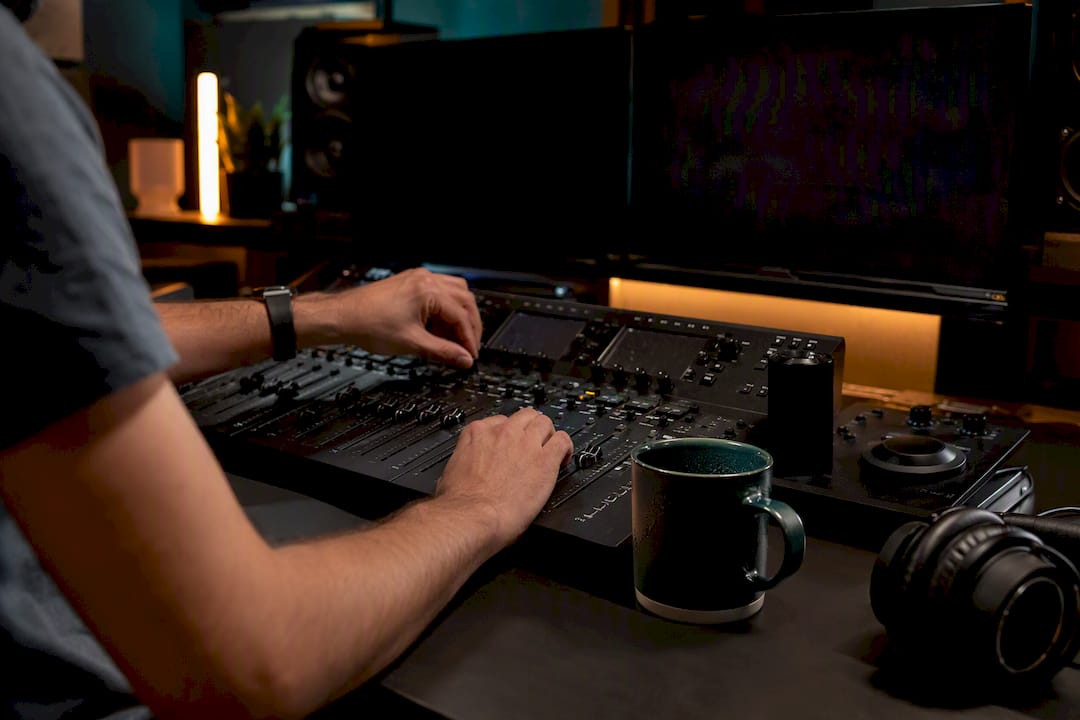
Metadata and transcripts, tagged during capture, are what let an editor build selects in hours instead of days.
A minimal publishable social clip needs three things: a clean opening line, one strong visual, and captions burned in for sound-off viewing. That’s often enough to hit the 24 to 72 hour window while the polished cut is still in progress.
One event, handled this way, can realistically generate 20 to 60 usable assets instead of a single recap video nobody remembers by March.
Footage from a single conference should feed marketing calendars for months, not weeks. That only happens if you build the asset taxonomy with a distribution plan attached, not as an afterthought once editing wraps.
Pick three to five hero sessions to fuel the majority of your repurposed content instead of trying to repurpose every session equally, which spreads editorial effort thin and delays everything. An event highlight video built from those hero moments becomes the anchor asset the rest of the calendar branches from.
| Asset type | Primary use | Typical timing |
|---|---|---|
| Same-day recap clip | Social momentum, registration for next event | 24–72 hours |
| Sponsor highlight cuts | Renewal conversations, sponsor reporting | 1–2 weeks |
| Full session recordings | Gated lead generation library | 2–3 weeks |
| Founder or speaker interviews | Sales enablement, founder story content | 2–3 weeks |
| Evergreen educational clips | Ongoing social calendar, email nurture | Rolling |
Sponsors renew when they can see a return, and video is the easiest way to show it. Track views, engagement rate, leads generated from gated assets, and cost per asset produced.
Attribute pipeline activity with UTM-tagged links on every distributed clip so you can show a real cost-per-lead figure, not a vague impression count. Sponsor-specific cuts that prove audience engagement can pay for the production outright once they’re used in a renewal conversation.
studio2U runs conferences on exactly this model: portable studio setups, multi-camera crews mapped to must-capture moments, and edit workflows split between fast highlights and polished sponsor cuts. Kevin, who leads production strategy at studio2U, has applied this coverage-and-repurpose framework across conferences, accelerator Demo Days, and multi-office corporate events.
The event isn’t the deliverable. The library of assets it produces over the following twelve months is the deliverable. If your crew only walks away with one recap video, the plan failed before the first camera rolled.
Marketing teams don’t need more footage. They need footage that ships fast without turning the stage into a film set. Hire a strategic partner when the event matters to sponsors or fundraising; hire an ad-hoc shooter only when nothing downstream depends on the result.
studio2U is the alternative to booking a general-purpose videographer and hoping the footage matches your marketing calendar. We build the deliverable list first, map crew and cameras to your must-capture moments, and run the two-track edit model so a same-day highlight goes out while the polished sponsor reel is still in progress.

A typical engagement covers a portable studio setup, multi-camera stage coverage, sponsor-specific cuts, and interview capture for employer brand and recruiting content, all built around your event’s actual run of show rather than a generic package. Turnaround on quick highlights runs in the 24 to 72 hour window, with polished assets following over the next two to three weeks. If you have speakers presenting on camera, our attire and presentation guidance helps them look camera-ready without a separate styling call.
Visit the studio2U home page to review past conference work and request a quote for your next event.
It’s a preplanned coverage and repurposing system that defines the video deliverables before the event, then maps cameras and crew to guarantee those assets get captured.
A well-planned event can yield 20 to 60 distinct assets, including highlight reels, sponsor cuts, session recordings, and social clips.
Aim for a same-day to 72-hour turnaround on quick highlight cuts, with polished sizzle reels following in two to three weeks.
Industry guidance points to allocating 20 to 25% of total production budget toward metadata systems, approvals, and capture planning.
A strategic production partner like studio2U, which plans coverage, crew, and repurposing before the event starts, delivers more usable assets than an ad-hoc shooter hired only to record the stage.
